
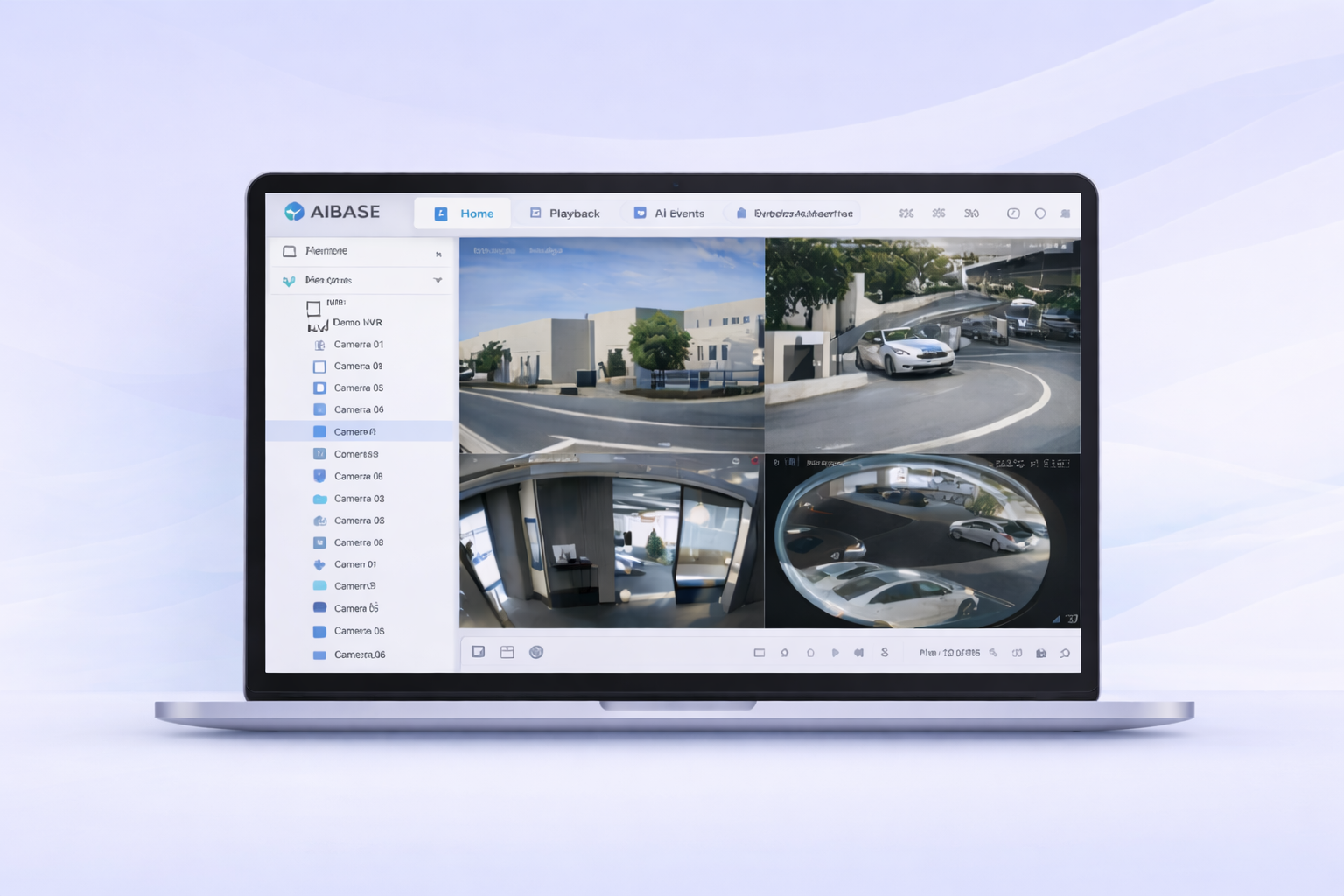
Access Our Web VMS Live Demo Environment Instantly
Experience Web Browser-based Video Management Software for AIBASE Color IP Surveillance Systems.
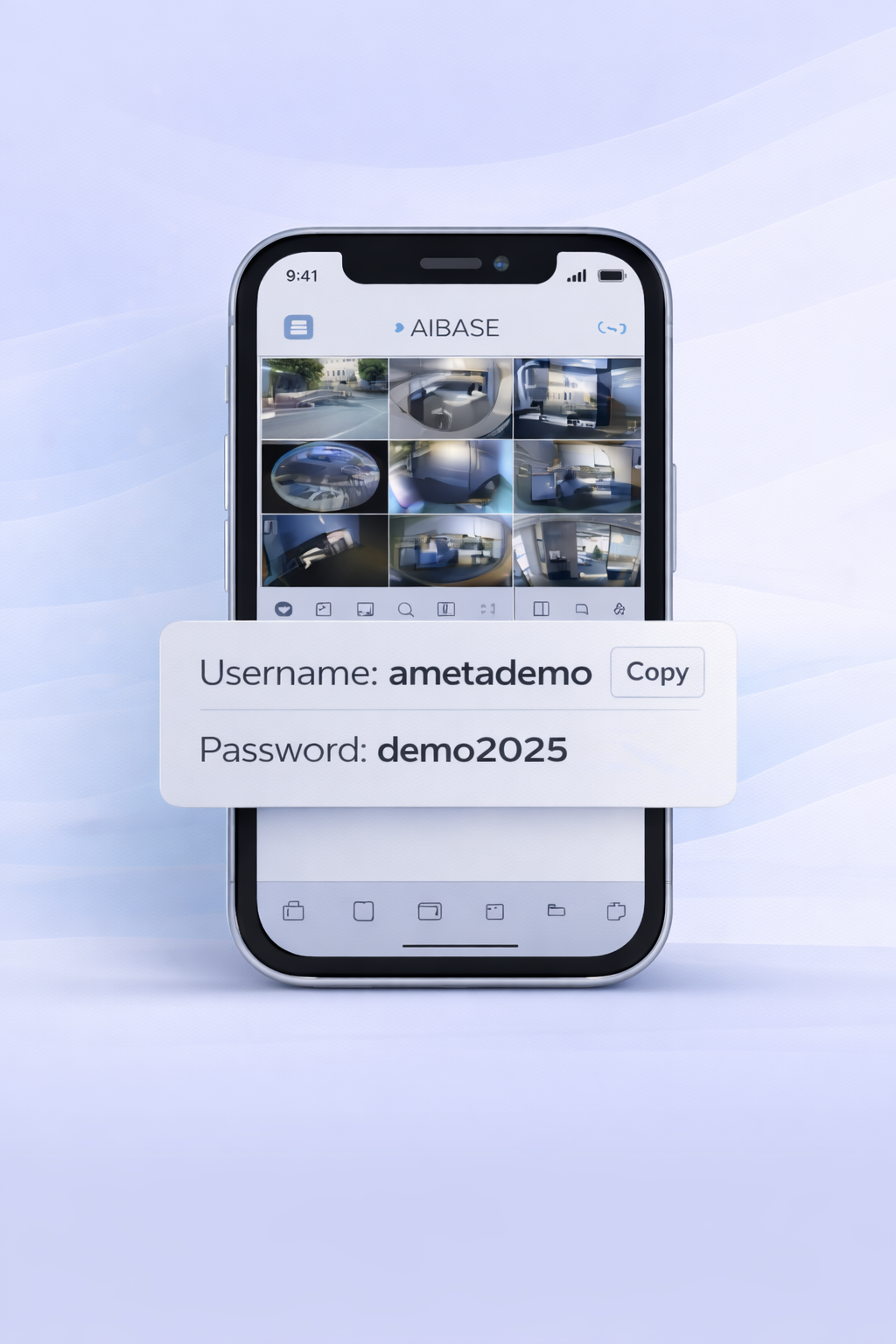
Username: ametademo
Password: demo2025
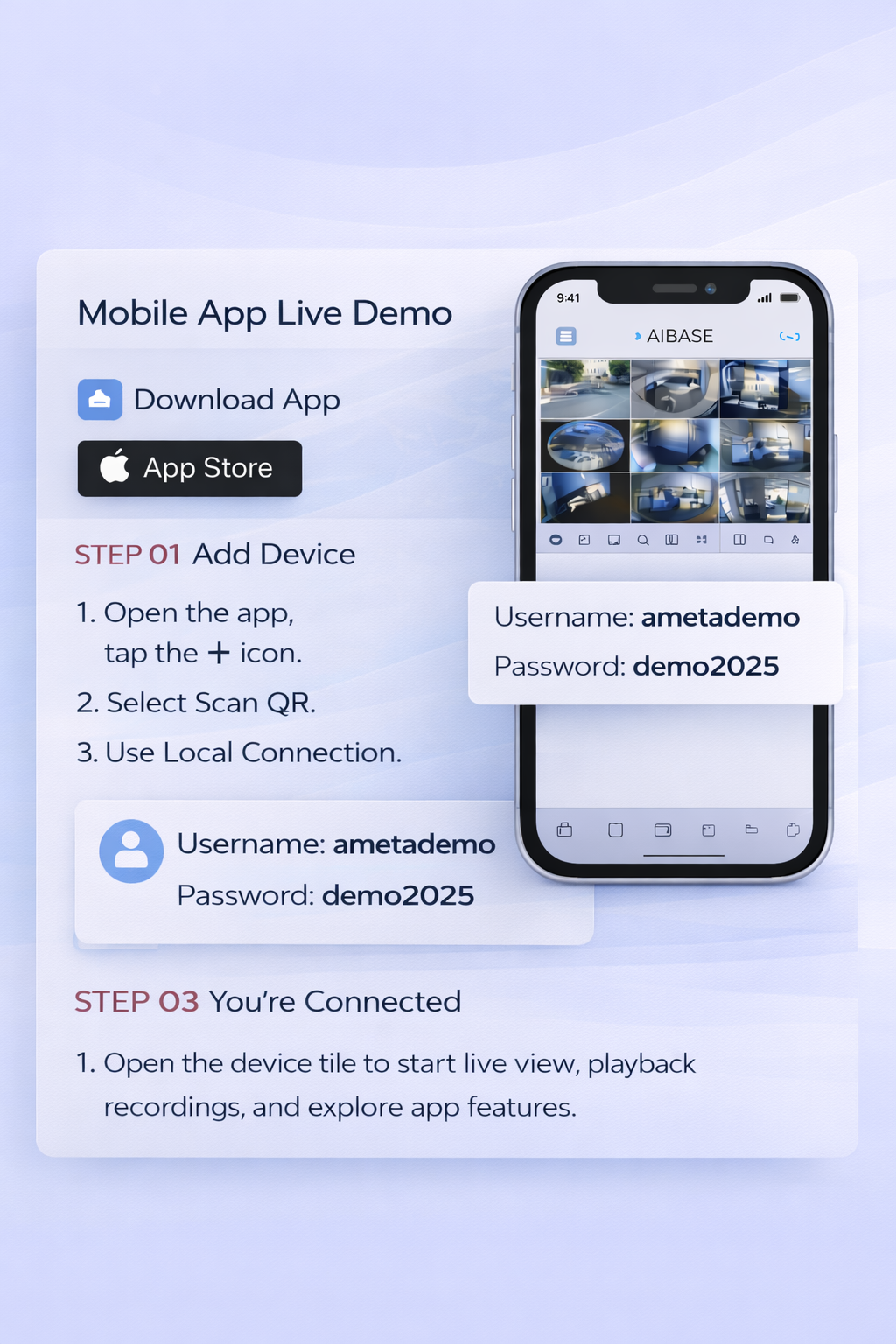
Mobile App Live Demo
Use the AI Color Pro mobile app to access live view, playback, alerts, and push notifications.
- Open the app, tap the + icon.
- Select Scan QR.
- Use Local Connection.
Username: ametademo
Password: demo2025
Open the device tile to start live view, playback recordings, and explore app features.
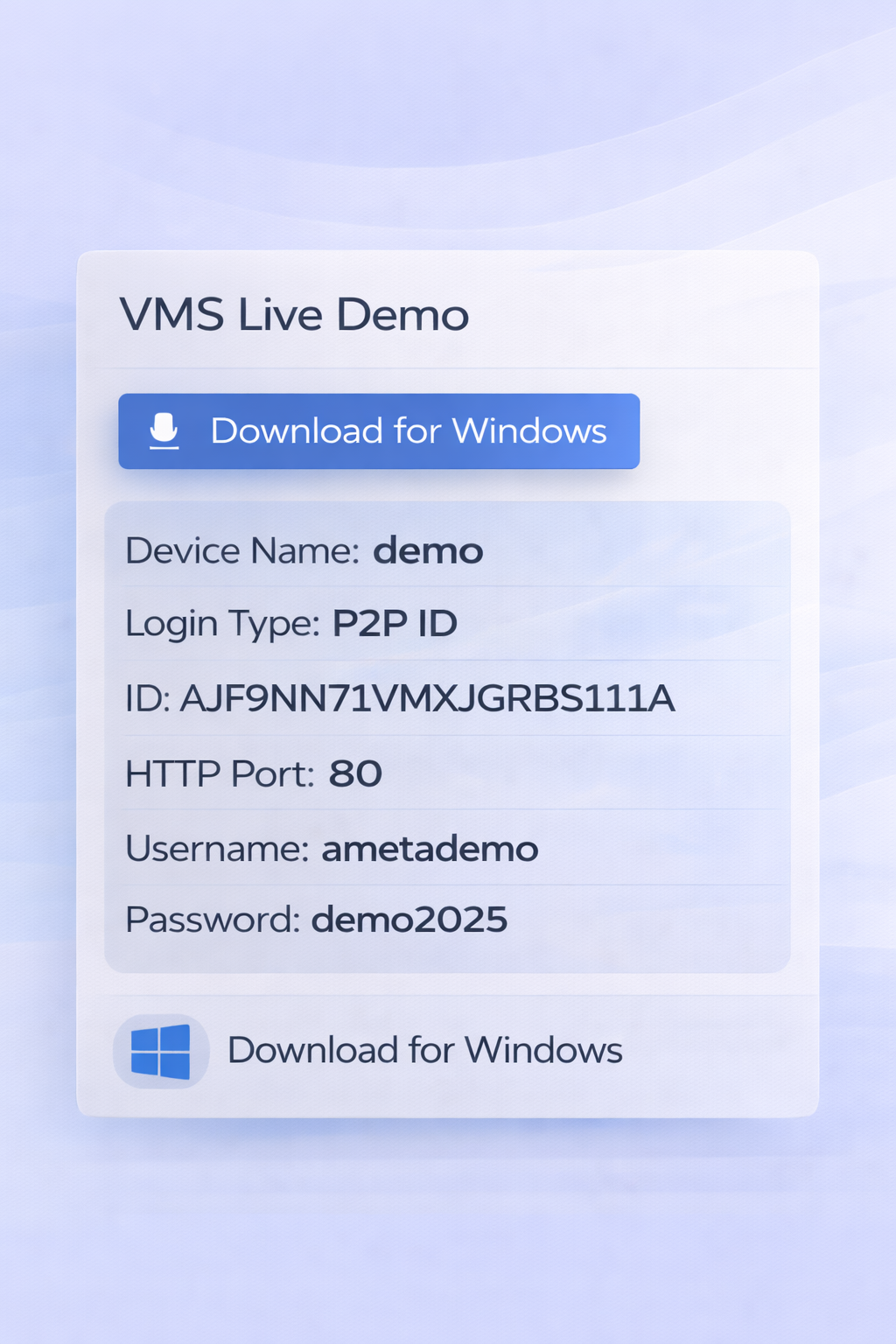
VMS Live Demo
Use AI Color VMS on your desktop to manage cameras, configure AI events, and control the NVR remotely.
Download and install the AI Color VMS software for Windows.
Download for WindowsOpen Device Management, click the + button on the top-right, then add the device using Normal Mode.
Go to the Main View tab to see the live view grid and manage all your cameras.
Ready to explore the AIBASE demo?
Connect via mobile app or desktop VMS in just a few steps.